Sharing Data with Family
Sharing data with friends or family members is done using the Group feature. Members of a group can see all the group's data.
Everyone belongs in a group by default. To invite others to your group follow these steps:
- Navigate to your Account by opening the sidebar menu and clicking Account.
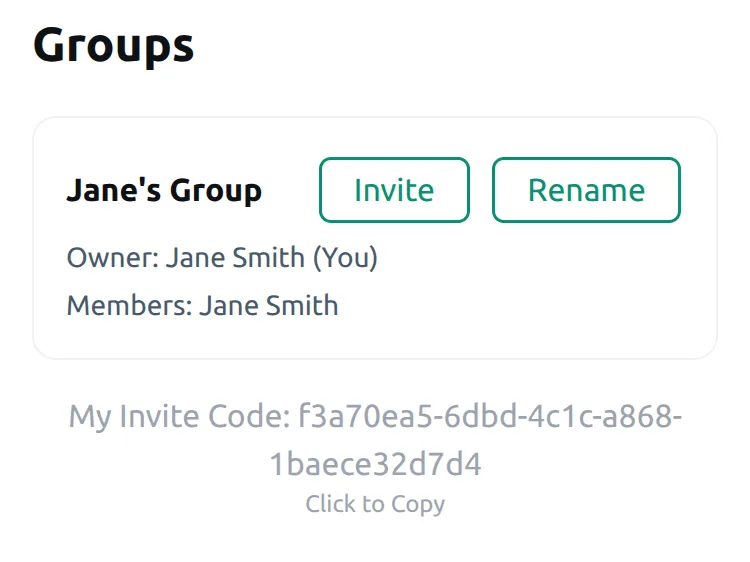
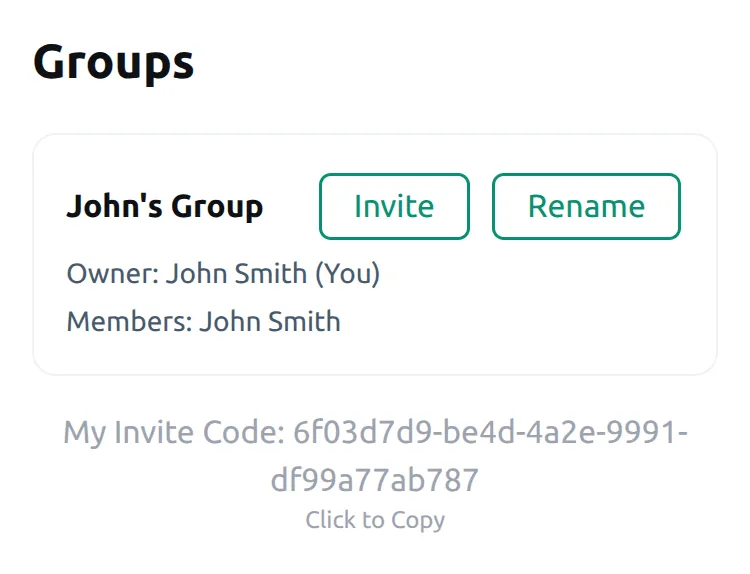
- Scroll down to the Groups section. Here you can select the current group, see groups you own, and see groups you are a member of.
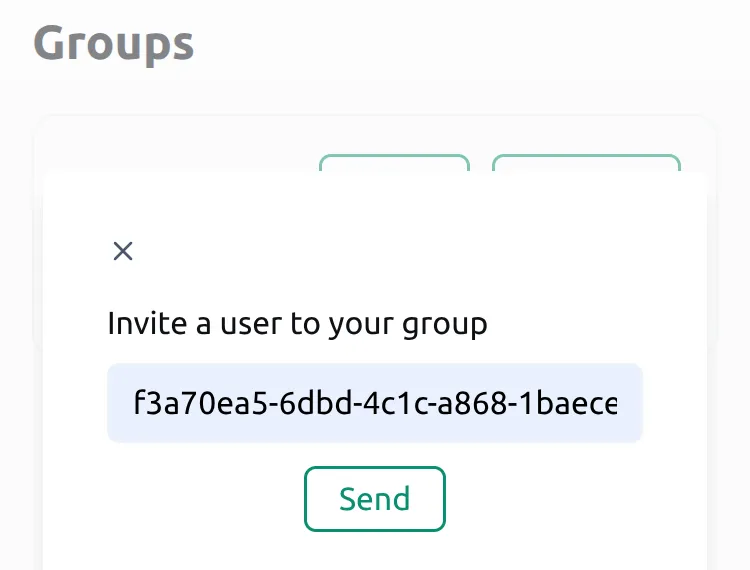
- Click Invite Users on the group you want to invite others to.
- In the dialog that appears, enter the user code of the person you want to invite. The user code is found at the bottom of the Groups section. Have the person you want to invite send you their code.
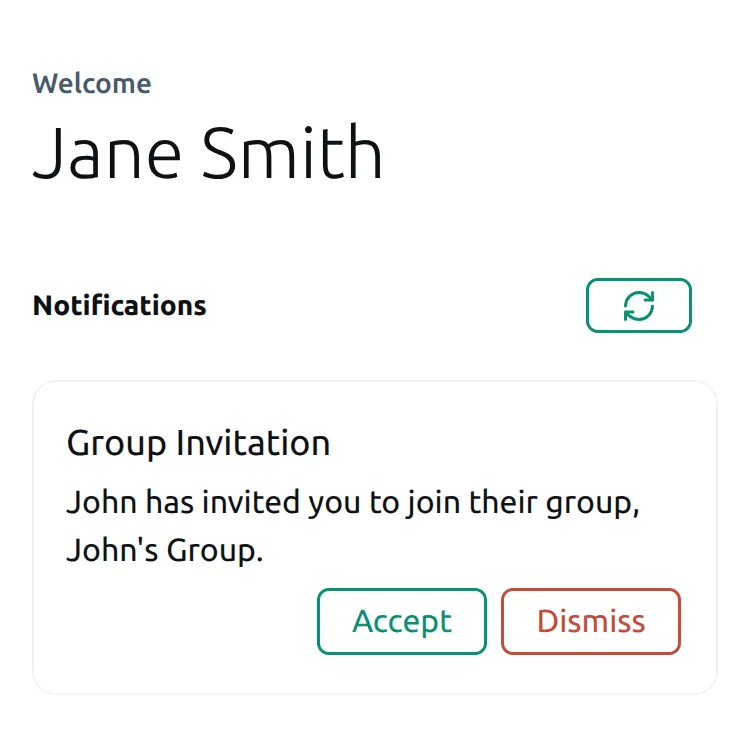
- Click send. The person you invited will receive a notification and can accept or decline the invitation.
- Notifications are found toward the top of the Account page. You will receive a notification when your invitation is accepted.
- (Optional) Set default group by selecting your preferred group in the Default Groups section. The default group is the group that is shown when you first log in.